It talks
Live voice in your language. Interrupt it mid-sentence and it stops, listens and picks up from there.
 by Cyryx Labs
Onyx · AI coworker for Windows
Onyx is an AI coworker that lives on your Windows PC. It talks with you in real time, works your inbox, does the research, operates your apps and remembers everything, in a vault you own. Outside your machine, it acts on your word.
Free while in beta. For Windows 10 and 11, 64-bit. Runs on free AI model tiers with your own keys.

You
Onyx
01 · The problem
The inbox doesn't stop at six. Neither do the follow-ups, the research, the calendar, the numbers.
Every tool you add is one more thing you have to run. Every chat assistant waits for you to type.
What you need is someone who already knows the work, picks it up on their own, and tells you only what needs you.
Example data
02 · How it works
Onyx runs on your machine, in a window of its own. You talk, it answers out loud, and when words aren't enough it opens the work in front of you.
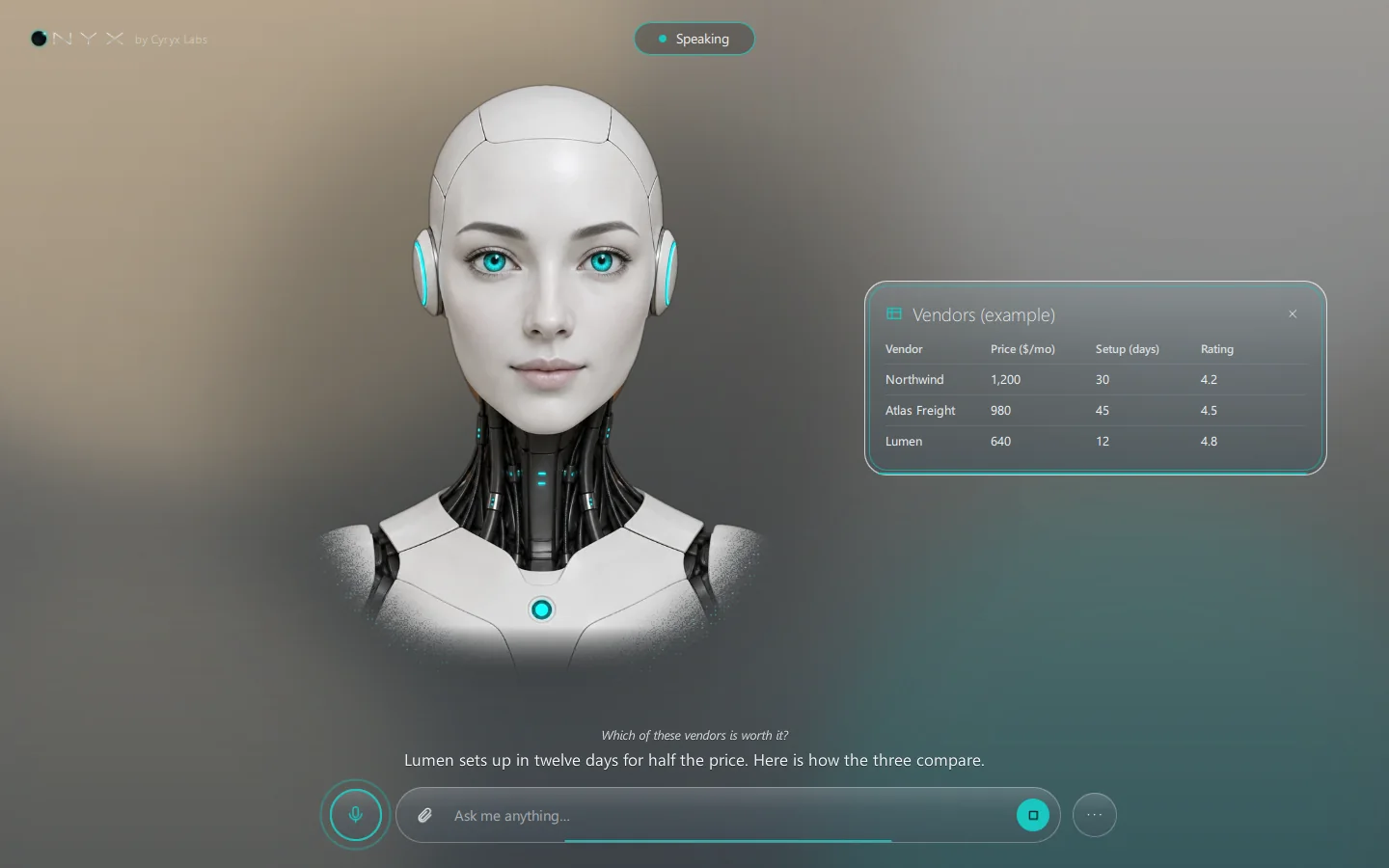
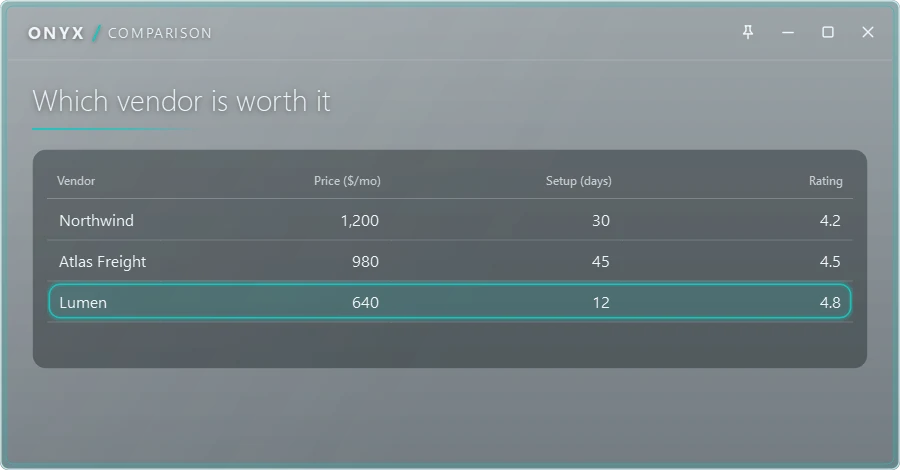
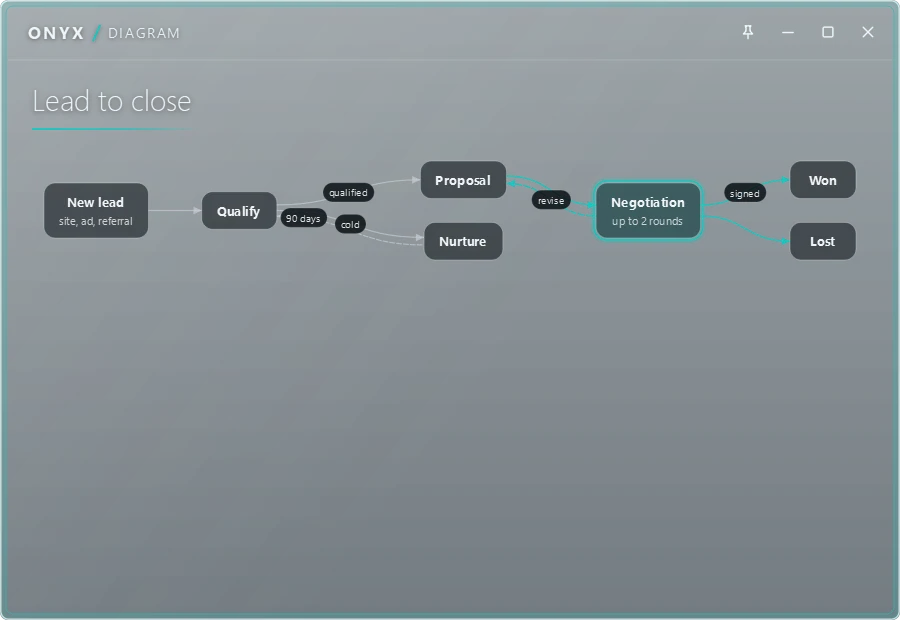
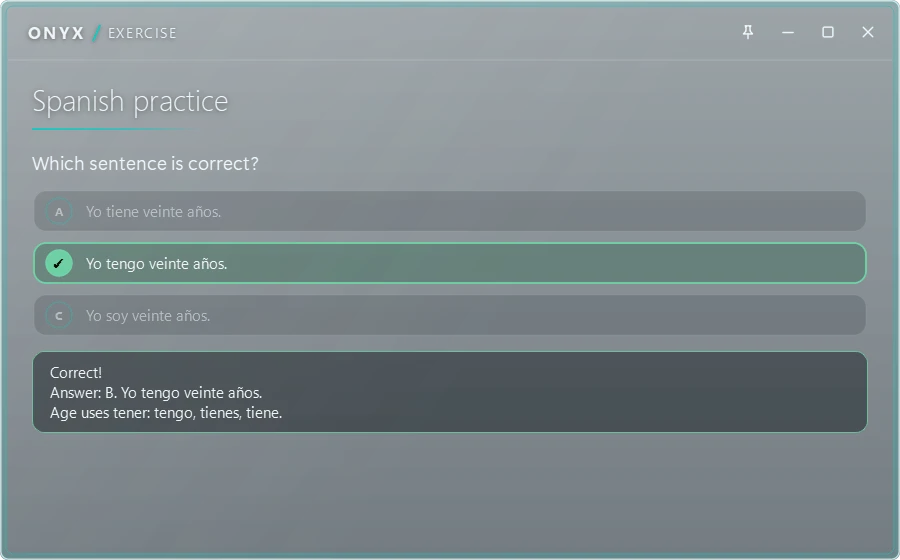
Real Onyx windows, captured with example data.
Live voice in your language. Interrupt it mid-sentence and it stops, listens and picks up from there.
A Second Brain in an Obsidian vault on your PC. It reads before it answers and files what it learns.
Inbox, calendar, research, files and your apps. It checks the screen for proof before it says done.
Comparisons, diagrams, plans and exercises open as native windows while it explains them.
03 · The characters
Onyx is the one who works for you. Prefer another face? Selene and Lyra do the same work, with the same memory. Each one faces you, blinks, follows your eyes and moves their lips as they speak, and comes apart into light when there is something to show you.
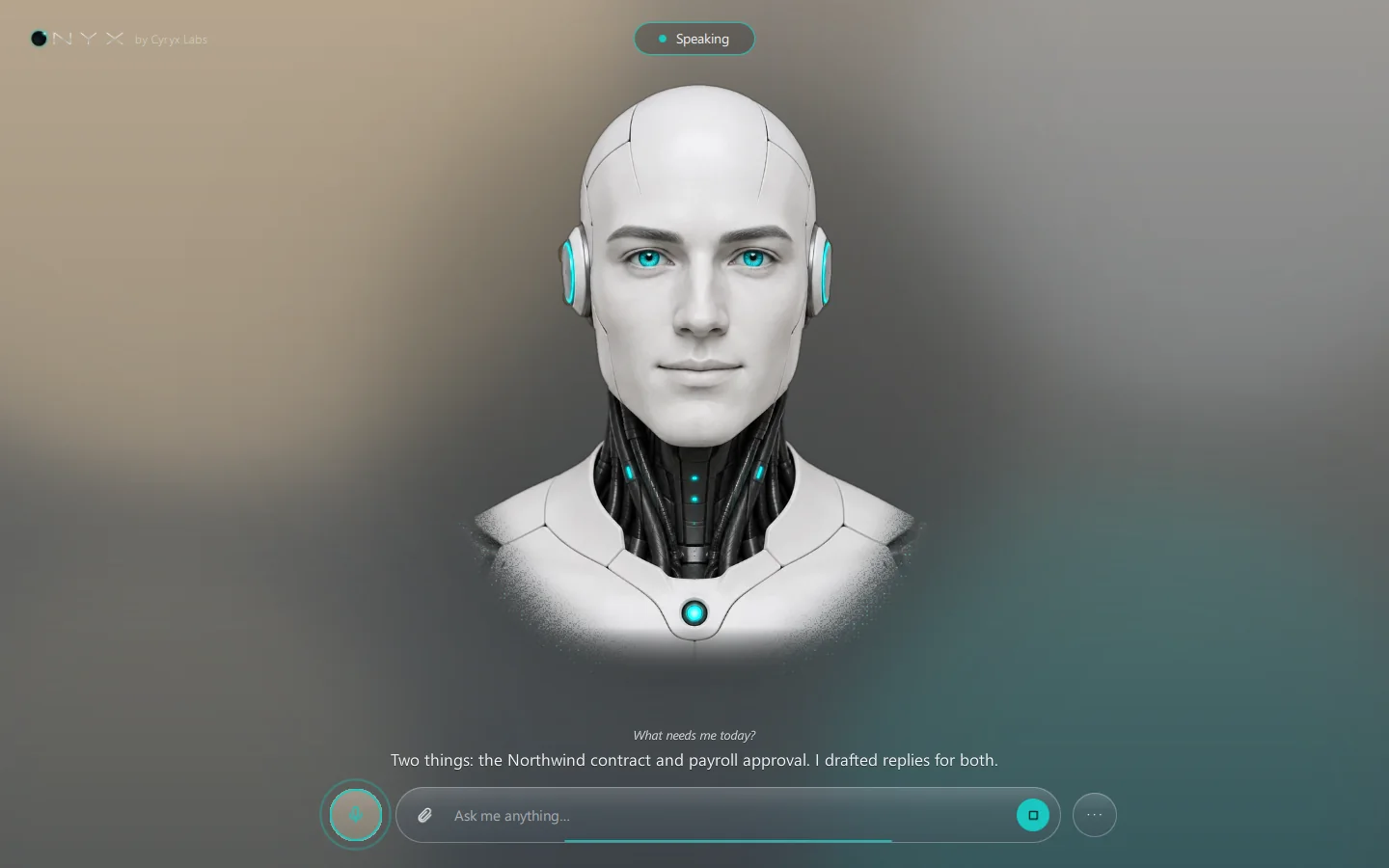
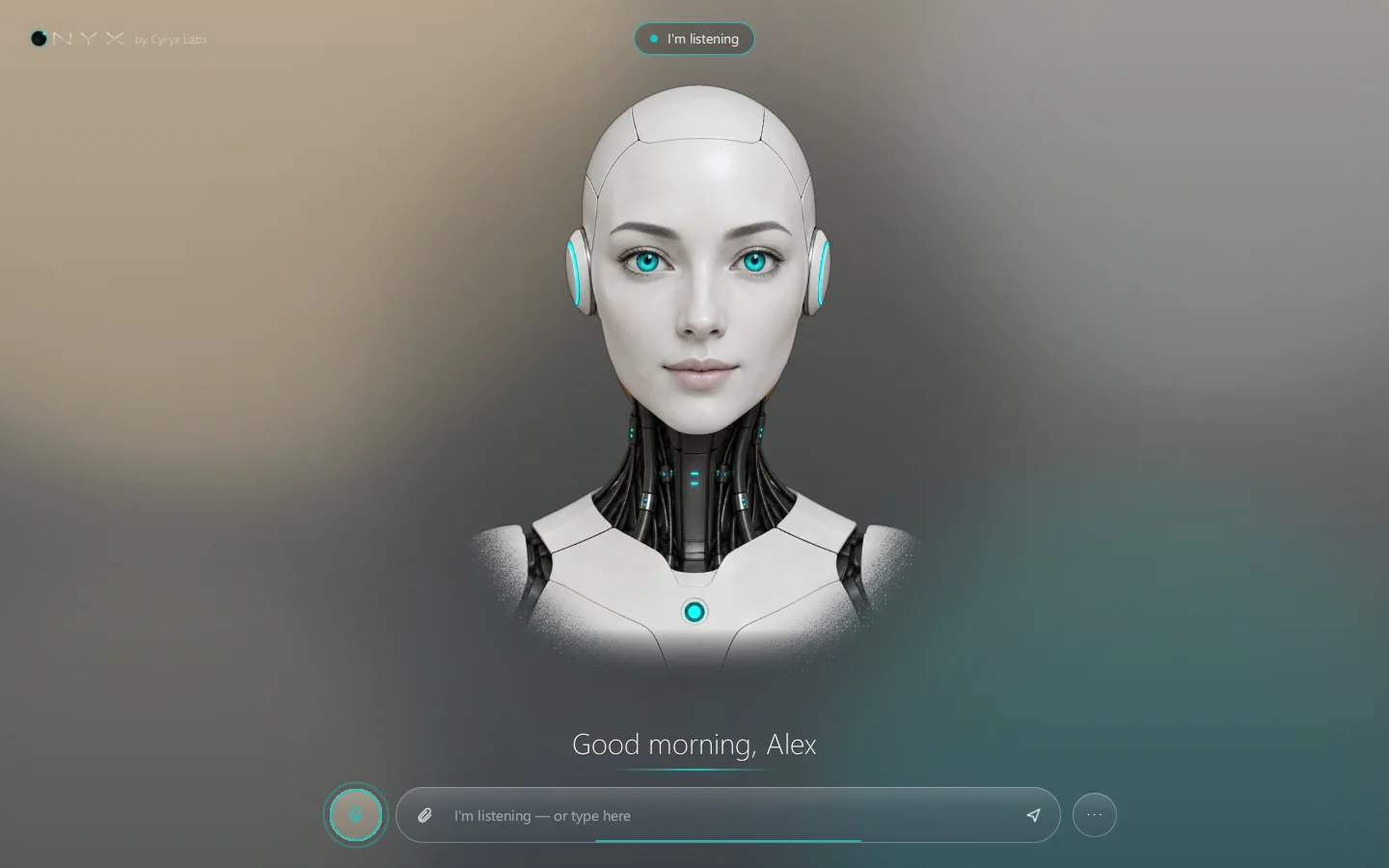
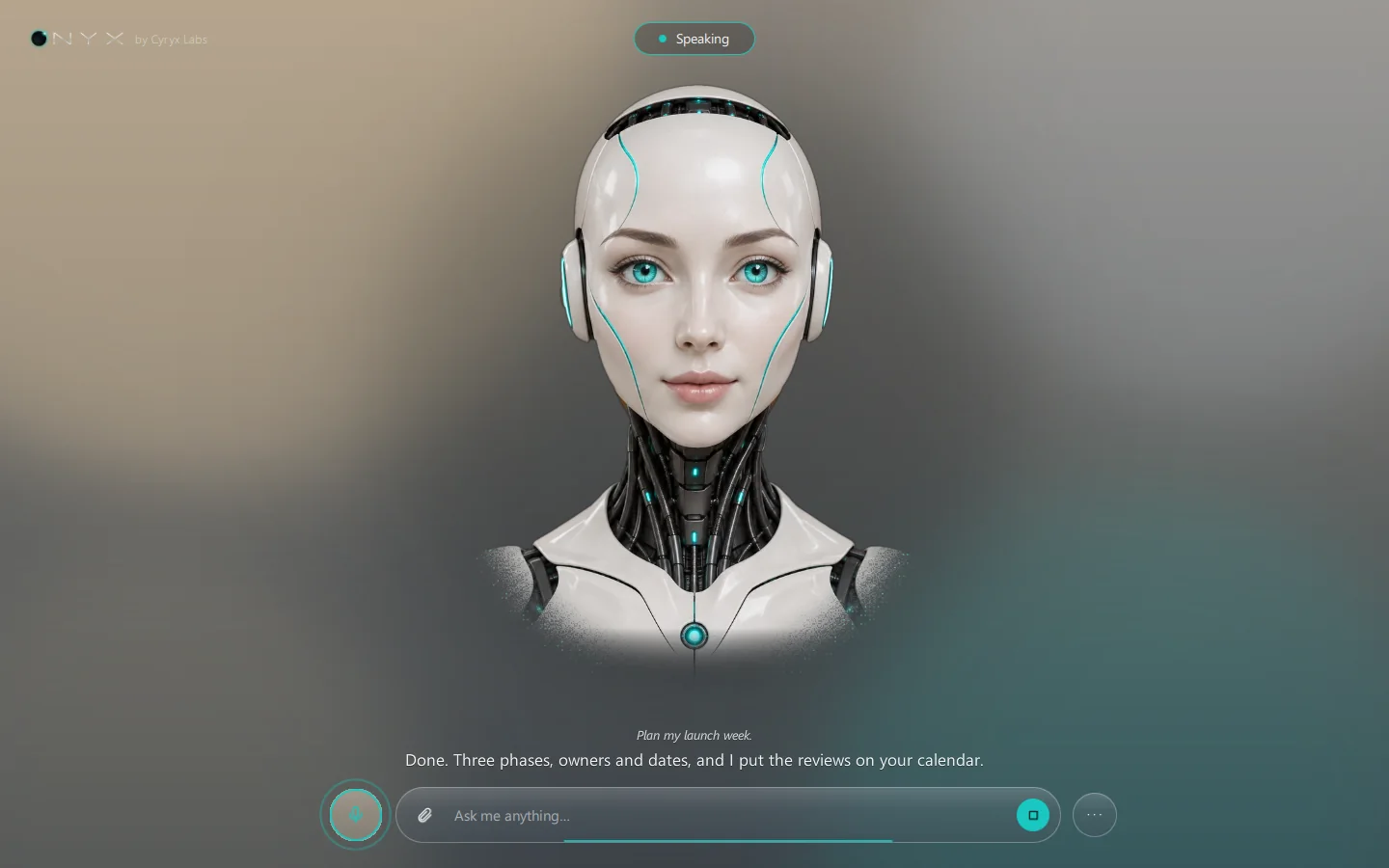
Five more presences ship too: Sentinel, Orb, Core, Helios and Eos. Personality adjusts to how you talk.
04 · A day with Onyx
One owner, one ordinary Tuesday.
About a dozen topics you care about, each filed into your vault, tagged and linked.
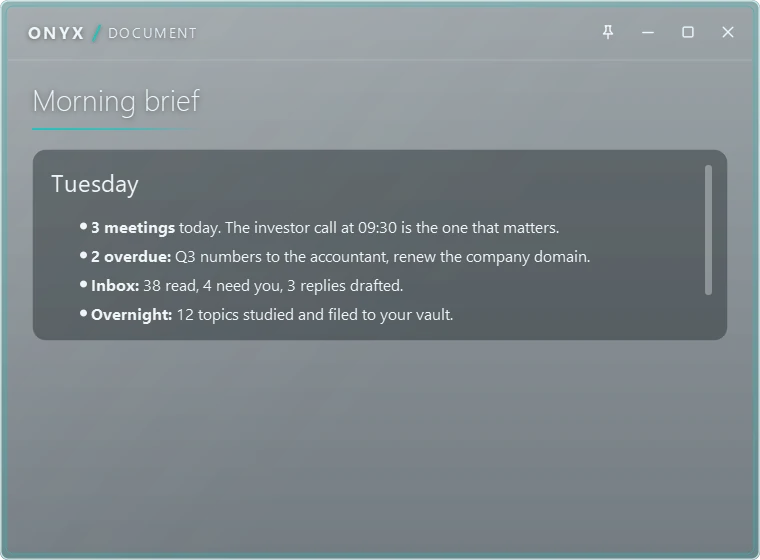
Agenda, overdue tasks, headlines and what it learned overnight, before your first coffee.
Reads every mailbox you connected, sums up what matters and drafts the replies for you to review.
You ask which vendor is worth it. It comes back with sources, a comparison and a recommendation.
A competitor changes their pricing page. The watch catches it and tells you on screen, on the phone or on Telegram.
You leave the desk. The conversation follows you to the phone, and the week's plan is already on the calendar.
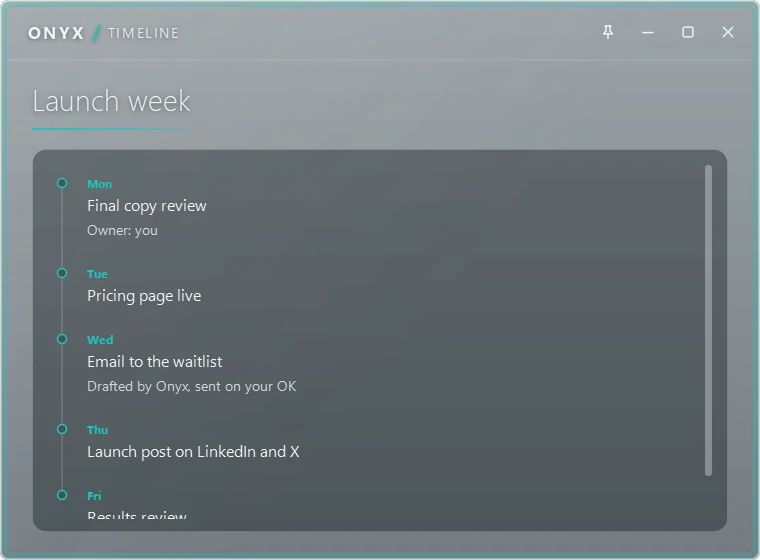
The day becomes a journal: decisions, people, tasks, and the list of what to study tonight.
05 · Command Center
The Command Center shows your day, Onyx's live work, your calendar, mail and a neural map of your Second Brain.
06 · Control
07 · Value
Onyx isn't a person, and it doesn't replace your judgement. It takes the repeatable work off your desk, around the clock, and hands back what needs a human.
08 · Beta
Download Onyx, install it on your PC and put it to work. Setup walks you through your free AI keys in a few minutes. Beta testers shape what ships next.
Version 1.14.45 · Windows 10 and 11, 64-bit. The installer isn't code-signed yet, so Windows may show a SmartScreen notice: choose "More info", then "Run anyway".
09 · FAQ
No. Onyx runs on your Windows PC. Your memory, vault and logs stay there. The thinking runs on the AI models you connect, such as Google Gemini and OpenRouter.
Yes. During the beta Onyx costs nothing: download it, install it and use everything. Paid plans come later; the beta stays free while it runs.
Onyx is built to run on the free tiers of Gemini and OpenRouter with your own keys, and setup walks you through getting them. On free tiers, Google may use content to improve its products; you can connect a paid key instead. Paid media generation only runs within the daily and monthly caps you set.
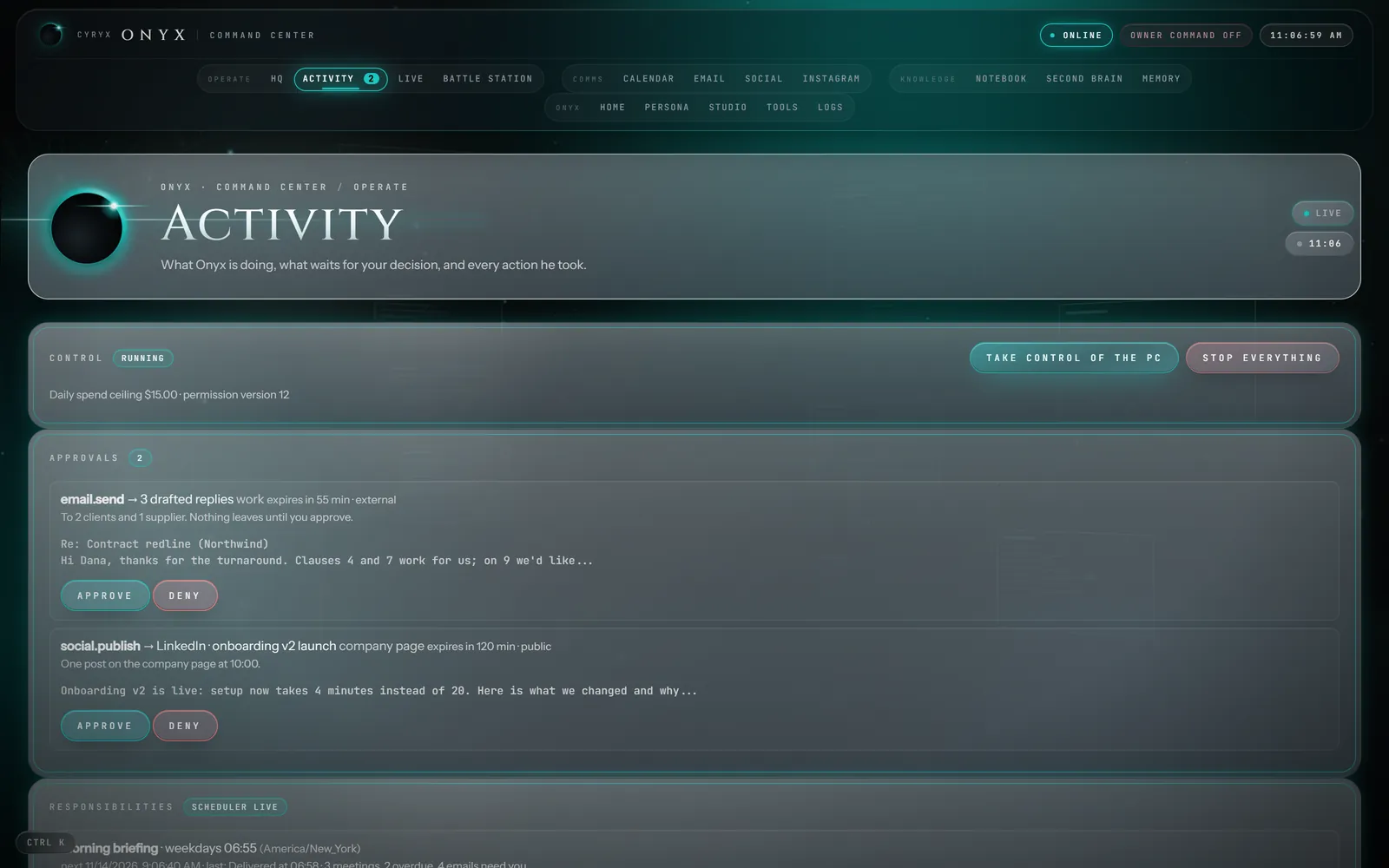
Not outside your machine. Sending, posting, calling and buying wait for your yes unless you grant a time-boxed authority, and even then it never opens password stores or system folders. Every action is logged.
A 64-bit PC with Windows 10 or 11. A dedicated graphics card makes the characters look their best; older PCs get a lighter mode automatically.
Windows only, for now.
Yes. The Android app pairs with your PC: the PC is the brain, the phone is the remote. You can also chat with Onyx on Telegram.
The interface and conversation work in English, Portuguese, Spanish, French, German and Italian, and Onyx answers in the language you speak to it.
Onyx checks for new versions and installs them itself, downloading only what changed.